
Understanding Physical and Virtual Ports in Computer Networking: A Comprehensive Guide
This comprehensive guide explores the essential roles of physical and virtual ports in computer networking. It covers types, functionalities, common issues, and security best practices, helping IT professionals and enthusiasts understand how to optimize and safeguard network connections effectively.
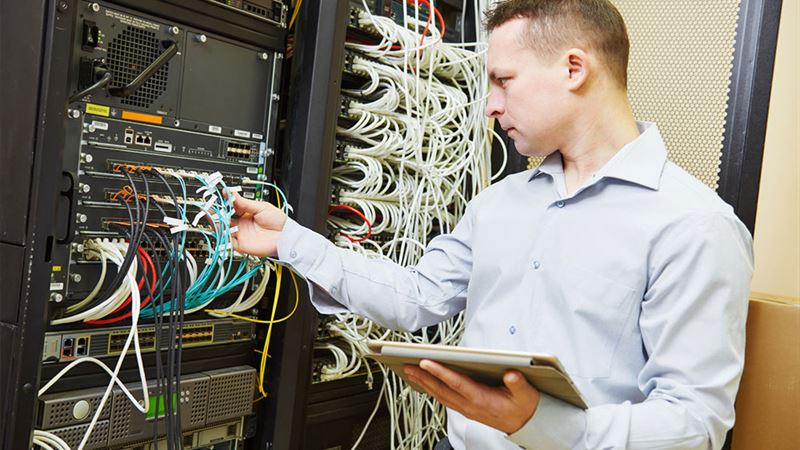
In the realm of computer networking, ports serve as critical junctures that facilitate communication between devices and software applications. These ports can be broadly classified into two categories: physical ports and virtual ports. Understanding the distinctions, functionalities, and potential vulnerabilities associated with each type is essential for anyone interested in maintaining secure and efficient networks. This comprehensive guide explores both physical and virtual ports, their roles, common types, vulnerabilities, and best practices for management and security, thereby providing an in-depth understanding suitable for IT professionals, network administrators, and tech enthusiasts alike.
Physical Ports: The Hardware Connection Points
Physical ports are tangible connection interfaces embedded within devices such as computers, routers, switches, and other networking hardware. These ports provide the physical pathway for connecting external devices or network cables, enabling data transmission. The hardware-based nature of physical ports makes them fundamental to establishing wired network connections, and they are often the first point of interaction in establishing network links.
Types of Physical Ports
- Ethernet Ports (RJ45): These are rectangular, modular connectors commonly found on computers, switches, routers, and modems. Ethernet ports facilitate the connection of Ethernet cables and are the backbone of wired local area networks (LANs). They support various speeds, from 10 Mbps to 10 Gbps, depending on the hardware specifications.
- USB Ports: USB (Universal Serial Bus) ports are rectangular and widely used for connecting peripherals like external drives, printers, and smartphones. Modern systems feature multiple USB ports, including USB-A, USB-B, and USB-C, each supporting different transfer speeds and power delivery capabilities. While primarily used for peripherals, USB ports can also serve networking functions via adapters.
- Serial Ports (COM Ports): Circular or D-shaped connectors historically used for serial communication with peripherals such as modems, mice, and industrial equipment. Though less common today due to the advent of USB, serial ports are still present in certain legacy systems and specialized equipment.
- HDMI and DisplayPorts: While primarily used for video output, these ports also include data channels that facilitate device communication, particularly in multimedia setups. They are vital in connecting computers to external displays.
Common Physical Port Issues and Failures
Physical ports, despite their robustness, are susceptible to various forms of damage that can disrupt network functionality. Some prevalent causes of port failure include:
- Power surges damaging internal circuitry
- Water or moisture exposure leading to corrosion
- Mechanical damage from improper insertion or removing cables
- Accumulation of dirt, dust, or debris obstructing connections
- Wear and tear over time due to frequent use
Maintaining physical ports involves regular inspection, cleaning, and gentle handling during cable connections. Replacing damaged ports may require hardware upgrades or repairs, especially when damage affects critical network connectivity.
Virtual Ports: Facilitating Software-Level Communication
Unlike physical ports, virtual ports are intangible entities that enable communication between software applications and network services within a computer or across networks. They are essential components of modern TCP/IP networking, allowing multiple applications to run concurrently without interfering with each other or hardware interfaces.
What are Virtual Ports?
Virtual ports are identified by port numbers, which act as logical endpoints for data transmission. In networking, these port numbers range from 0 to 65535 and are divided into three main categories:
- Well-known ports (0-1023): Reserved for core services and protocols such as HTTP (port 80), HTTPS (port 443), FTP (port 21), and SSH (port 22).
- Registered ports (1024-49151): Assigned for specific applications and services that are registered with IANA (Internet Assigned Numbers Authority).
- Dynamic or private ports (49152-65535): Used temporarily by client applications during network sessions, often allocated dynamically.
For example, when you access a website via your web browser, your system communicates over virtual port 80 (HTTP). Similarly, email protocols like SMTP use port 25, and file transfer operations may utilize ports like 20 or 21.
Importance of Virtual Ports in Networking
Virtual ports enable efficient multiplexing of multiple network services, allowing diverse applications to operate simultaneously over a single network interface. They provide a flexible mechanism for routing data packets to the correct destination within a device or across a network.
Security Concerns and Protection of Virtual Ports
Since virtual ports are software-defined, they are vulnerable to various security threats, including hacking, port scanning, and Denial of Service (DoS) attacks. Attackers often probe network ports to identify vulnerabilities and gain unauthorized access to systems.
To safeguard virtual ports, network administrators deploy firewalls that restrict access to only trusted or necessary ports. Intrusion Detection Systems (IDS) and Intrusion Prevention Systems (IPS) further enhance security by monitoring traffic patterns and blocking malicious activities.
Managing and Securing Physical and Virtual Ports
An effective networking environment balances hardware robustness and software security. Proper management includes:
- Regularly inspecting physical ports for damage or corrosion
- Using surge protectors and uninterruptible power supplies (UPS) to prevent surge damage
- Implementing strict access controls on network hardware, including physical port locks
- Configuring firewalls and software security policies to restrict access to vulnerable virtual ports
- Keeping firmware and software updated to patch known vulnerabilities
Comprehensive port management ensures network stability and minimizes security risks, thereby maintaining optimal performance and safeguarding sensitive data.
Conclusion
Understanding the distinction between physical and virtual ports is fundamental in designing, managing, and securing modern computer networks. Physical ports establish the tangible connections necessary for wired communications, while virtual ports facilitate efficient, software-driven interactions across networked devices. By maintaining physical hardware properly and securing virtual interfaces against malicious threats, organizations can create resilient and secure networking environments. Continuous monitoring, regular maintenance, and adherence to best practices are essential components of effective port management in today’s interconnected world.