
Comprehensive Guide to Resetting and Restoring Your iPhone for Optimal Performance
Learn how to properly reset and restore your iPhone to improve performance, secure your data, and prepare it for resale. This detailed guide covers all essential steps, including backups, account sign-outs, and troubleshooting tips, ensuring a safe and efficient process for any iPhone user.
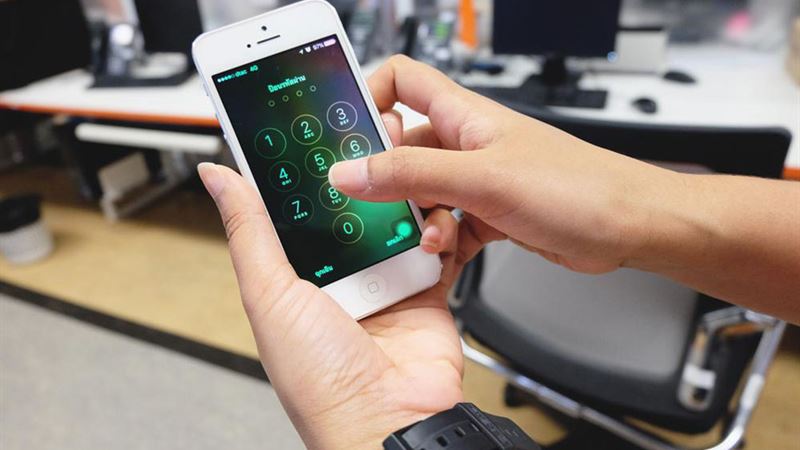
When your iPhone starts behaving unpredictably, crashing frequently, or experiencing network issues, many users opt to reset or restore their device to resolve these problems effectively. Resetting your iPhone can help clear minor glitches, improve speed, and restore smooth operation, while restoring is a more comprehensive process that returns the device to factory settings, erasing all personal data. Additionally, resetting is often a preparatory step before selling or giving away your iPhone to ensure your personal information remains secure. Understanding the differences between resetting and restoring, as well as knowing how to perform these processes correctly, can help you maintain your device’s performance and secure your personal data when needed.
Resetting and restoring serve distinct purposes but share the goal of returning your iPhone to a baseline state, troubleshooting persistent issues or preparing the device for a new owner. Resetting, also known as soft reset or factory reset, involves restoring device settings to their default state without affecting the underlying firmware or operating system. It is a straightforward process that can often be performed directly from the device’s settings menu, making it accessible to most users. Restoring, on the other hand, is a more intense process involving complete data erasure and reinstalling the firmware and iOS through a computer interface, typically using iTunes or Finder on a Mac. This method is suited for severe software issues, jailbreak failures, or preparing the device for resale, ensuring that no personal data remains behind.
Before proceeding with a factory reset or restore, there are several crucial steps you should perform to safeguard your data and ensure a smooth process. These steps include backing up your important information and signing out of all online accounts linked to your device. Backing up is vital; whether you prefer iCloud, iTunes, or third-party cloud services, securing your photos, contacts, messages, and app data will prevent data loss during the reset. To back up via iCloud, connect your device to Wi-Fi and navigate to Settings > [Your Name] > iCloud > iCloud Backup > Back Up Now, ensuring your device remains connected to Wi-Fi until the backup completes. For other methods, you can connect your iPhone to a computer and perform a backup through iTunes or Finder.
After backing up, it's essential to log out of all accounts to prevent activation or security issues after resetting. Sign out of iCloud, Apple ID, iMessage, FaceTime, and other third-party apps linked to your accounts. Remove your device from the 'Find My' network to disable Activation Lock, which can hinder the resale process. Once all accounts are signed out, and the backup is secured, you can proceed with the reset. This step ensures that your personal information is protected and your device is ready for its next use or owner.
To perform a factory reset, follow these steps carefully: open the Settings app, tap on General, scroll down and select Reset or Transfer or Reset iPhone, then tap on Erase All Content and Settings. Confirm your Apple ID password or passcode when prompted. The device will then initiate the erasure process, deleting all apps, data, settings, and personal information, restoring it to factory settings. This process may take a few minutes, and once complete, your iPhone restarts as a new device. It’s now ready to be set up anew, sold, or handed down to someone else, ensuring your personal data remains secure.
Resetting your voicemail password is a common task, especially when changing your phone or security concerns arise. You can reset your voicemail password directly from your iPhone, but some carriers may require contacting customer support. To do this, go to Settings > Phone > Change Voicemail Password. Follow the on-screen prompts to create a new password if your carrier supports this feature directly. If not, or if issues persist, contact your cellular provider’s support line for assistance. They often provide dedicated procedures for resetting voicemail, which may involve verifying your identity over the phone or through an online portal. Resetting your voicemail password helps secure your messages and prevents unauthorized access to your voicemail inbox.
Post-reset, your iPhone will restart and go through its setup process. You will see the Apple logo along with a progress bar indicating the reset's completion. It’s normal for this process to take several minutes. Once your device turns on, you can set it up as new or restore from your backup. Keep in mind that resetting an iPhone is a powerful troubleshooting method and a step towards protecting your data when selling or giving the device away. It ensures that all your sensitive data is wiped clean, and the device operates like new. If your device is still under warranty or covered by AppleCare, resetting can resolve lingering issues and improve the overall user experience.
In summary, whether your goal is to troubleshoot persistent software problems, prepare your iPhone for resale, or free up storage, understanding how to reset and restore your device is essential. Regularly backing up your data and signing out of accounts before resetting safeguards your personal information and ensures a hassle-free transition. Apple’s user-friendly reset options make it easy for anyone to refresh their device confidently. Always remember, a well-initiated reset combined with proper backup procedures can greatly extend the lifespan of your iPhone and maintain its peak performance. Use this comprehensive guide to keep your device in top shape and secure your private data effectively.