
Effective Strategies to Maximize Your Smartphone Battery Lifespan
Discover expert-approved methods to extend your smartphone's battery life significantly. Learn how to optimize screen settings, manage connectivity features, control app activity, and adopt other practical tips to keep your device powered throughout the day without frequent recharging. This comprehensive guide helps you maximize your phone's performance and efficiency, ensuring you stay connected and productive in all situations.
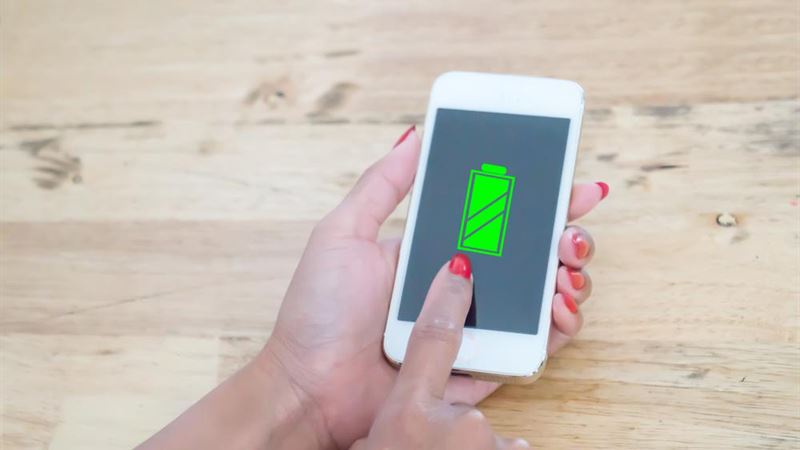
Optimizing Screen Settings for Better Power Efficiency:
The display is one of the most prominent components consuming battery power in smartphones. Large, high-resolution, and brightly lit screens create an impressive visual experience but at the cost of increased energy drain. To mitigate this, leveraging your device’s auto-brightness feature is a smart move. Most smartphones automatically adjust screen brightness based on ambient lighting, balancing visibility with power conservation. For additional savings, consider manually setting the brightness to a comfortable, medium level in variable lighting conditions, especially when you’re aiming to conserve battery life.
Furthermore, adjusting your screen timeout duration can make a notable difference. Many devices offer customizable auto-lock times—reducing this timer ensures your screen turns off quickly when not in use, preventing unnecessary power consumption. Setting a timeout of 30 seconds or one minute is often ideal for maximizing battery efficiency without compromising usability.
Utilizing Hands-Free and Bluetooth Devices Wisely:
Hands-free devices, such as Bluetooth headsets or car kits, are invaluable for safety and convenience during commutes or busy environments. Nonetheless, keep in mind that leaving your Bluetooth connection active continuously can lead to substantial battery drain. To prevent this, disconnect Bluetooth devices when not actively in use. If you need to use Bluetooth frequently, consider turning it off when you’re not on a call or listening to audio, and turn it back on only when necessary.
Turn Off Unnecessary Connectivity Features:
Disabling features such as Wi-Fi, GPS, and mobile data when not needed is among the simplest yet most impactful ways to conserve energy. For example, switching off Wi-Fi when you’re outside and not connected to a network can prevent your device from constantly searching for networks, which consumes battery. Similarly, turning off GPS when navigation isn’t in use avoids constant satellite communication. Prioritize using Wi-Fi over mobile data for internet access, as Wi-Fi typically consumes less power. Enabling airplane mode in areas with no signal can also help preserve battery by preventing your device from repeatedly attempting to connect to cellular towers.
Monitoring and Managing App Activity:
Many applications run silently in the background, performing tasks like updates, data synchronization, or location tracking, which can drain your battery without your awareness. Regularly review your app permissions and activity to identify which apps are unnecessarily active. For example, disable auto-updates or set them to occur only when connected to Wi-Fi and charging. Use your device’s battery usage statistics to track which applications consume the most power and consider uninstalling or disabling apps that aren’t essential. Additionally, closing or force-stopping apps that aren’t in use prevents background activity and saves energy.
Additional Tips for Maximizing Battery Life:
Besides the above measures, certain other strategies can further improve your device’s power efficiency. Reducing screen resolution or enabling dark mode can lower power consumption, especially on OLED displays where black pixels are effectively turned off. Keep your device’s software up to date, as manufacturers often release updates optimized for better power management. Avoid overloading your phone with unnecessary widgets or live wallpapers, which continuously consume resources. Finally, consider investing in a portable power bank—an excellent option for charging on the go and maintaining your device’s usability without access to power outlets.