
Top TV Video Conversion Tools for Seamless Playback
Discover top TV video converters that ensure your videos are compatible with your TV and media devices. From free tools to professional solutions, learn how these utilities can enhance your media playback, support multiple formats, and offer additional editing features for a seamless viewing experience.
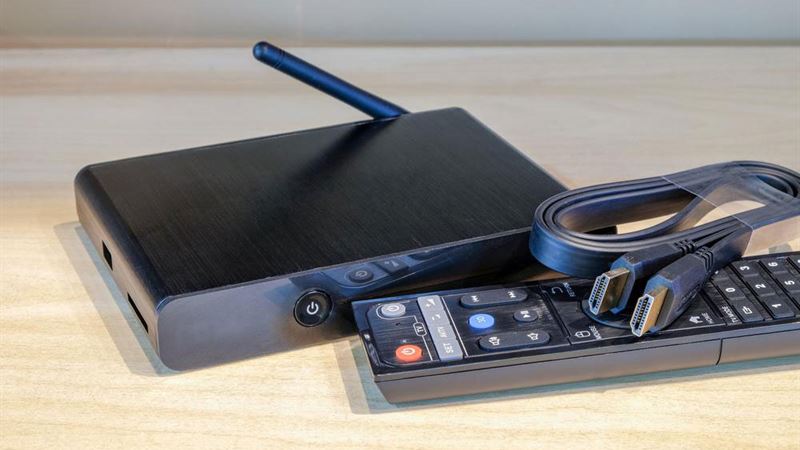
In today’s digital age, watching videos on your TV has become an essential part of entertainment. Whether it's movies, TV shows, or home videos, having the right tool to convert video formats ensures compatibility across various devices. This guide introduces some of the most reliable and versatile TV video converters available in the market, empowering you to enjoy your favorite content without any playback issues. These tools not only convert videos efficiently but also offer additional features such as editing, repairing, and customizing videos for different platforms and devices.
- MPEG Streamclip
- Format Factory
- HandBrake
- Freemake Video Converter
- Super Video Converter
One of the most popular video players and converters, MPEG Streamclip, supports a wide range of video formats. It's a highly useful utility for transcoding and converting videos to formats suitable for playback on Smart TVs, media players, and other devices. MPEG Streamclip’s user interface is straightforward, making it accessible even for beginners. Its powerful features include sophisticated editing options, trimming, cropping, and applying video effects, in addition to format conversions. This tool ensures your videos are compatible and optimized for smooth playback on your television. Whether you're converting high-definition videos or compressing files for easier sharing, MPEG Streamclip remains a reliable choice for both casual users and professionals.
Format Factory is widely regarded as an all-in-one media conversion software that supports an extensive array of video formats, including MP4, AVI, WMV, MKV, and more. It is a free tool offering a comprehensive set of features designed to simplify the video conversion process. The user-friendly interface allows users to easily select output formats, tweak conversion settings, and utilize presets optimized for mobile devices, gaming consoles, and smart TVs. Additionally, Format Factory provides repair functions to fix corrupted or damaged audio and video files, making it a versatile tool for handling large media collections. The app also supports batch processing, enabling multiple files to be converted simultaneously, saving time and effort for users with extensive conversion needs.
HandBrake is an open-source, highly regarded video transcoder compatible with Windows, MacOS, and Linux. Its robust features make it ideal for anyone looking to convert videos for optimal playback on various TVs and media devices. HandBrake offers advanced options such as adjusting resolution, bitrate, codecs, and subtitles, providing users with precise control over the output video quality. Its preset configurations make it easy for beginners to convert videos quickly, while experienced users can customize settings for professional results. HandBrake is particularly popular for ripping DVDs and converting large batches of files efficiently. Its reliability and versatility have cemented its position as a go-to tool for TV enthusiasts and content creators alike.
Freemake Video Converter is celebrated for its intuitive interface and extensive format support, including over 200 video formats. It offers a free and accessible way to convert videos for playback on smart TVs, smartphones, tablets, and gaming consoles. Besides basic format conversion, Freemake provides options for trimming, cropping, merging, and adding subtitles to videos. It can extract audio from videos and convert online videos directly from supported sites to MP3 or other formats. Its preset configurations for Android, iOS devices, and popular media players make the process straightforward, eliminating the need for technical skills. Additionally, Freemake allows users to customize presets or create profiles suited to their specific device requirements, ensuring optimal playback quality.
Super is a versatile free video conversion tool that supports a wide range of formats including AVI, MP4, MKV, VOB, and more. It is known for its straightforward operation and ability to handle multiple files simultaneously. To get the most out of Super, users are required to download additional components such as a media player and recording tools, which enhance its functionality for video recording and playback. Despite its somewhat dated interface, Super remains a dependable utility for converting videos for TV playback. It excels in quick conversions and offers options for adjusting output parameters according to the device specifications. If you're looking for a free, no-fuss solution for video conversion with extra features like recording capabilities, Super is a solid choice.
Using any of these powerful TV video converters can streamline your media experience. They help you convert videos into formats compatible with your television and other media devices, ensuring seamless playback and enhanced viewing quality. Whether you're a casual user or a professional content creator, selecting the right tool will improve your overall multimedia experience and unlock the full potential of your entertainment system.